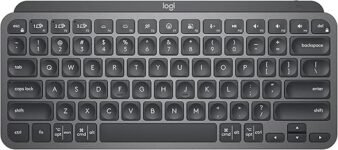
We put the MX Keys Mini and Keychron K2 in the ring — which tiny titan gets our thumbs-up (and which one’s destined to be re-gifted)?
Surprising fact: we care way too much about keyboards. We’re pitting the sleek MX Keys Mini against the chunky Keychron K2 to decide which earns our desk spot — no punches held, just honest, mildly caffeinated, keyboard-shaped opinions and grins.
Office Productivity
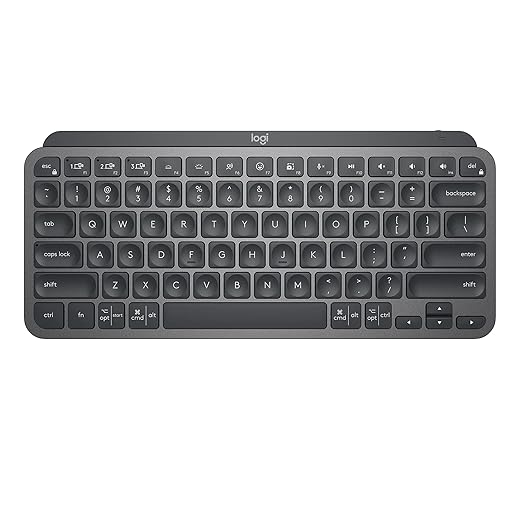
We love how this keyboard feels for long typing sessions and how effortlessly it hops between devices — it’s basically the office social butterfly. It’s the choice for people who want a premium, minimalist board that prioritizes comfort over switch tinkering.
Mechanical Value

We dig the K2 when we want mechanical feel, battery that won’t quit, and a layout that keeps arrows and function keys handy. It’s the pick if you like to tinker with switches and want mechanical goodness without breaking the bank.
MX Keys Mini
Keychron K2 Mechanical
MX Keys Mini
Keychron K2 Mechanical
MX Keys Mini
Keychron K2 Mechanical
Design & Build: Minimal Chic vs Mechanical Muscle
Looks & materials
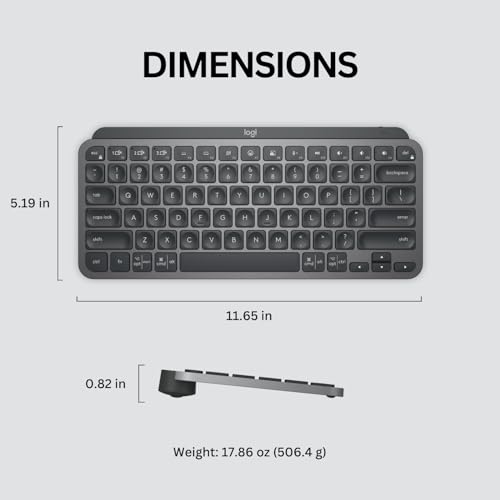
We love how the MX Keys Mini pretends it’s a laptop lid — low-profile, metal-accented top, graphite finish that says “I drink artisan coffee.” It’s 11.65 × 5.19 × 0.82 in and about 17.86 oz, so it looks sleek and actually feels solid on the desk.


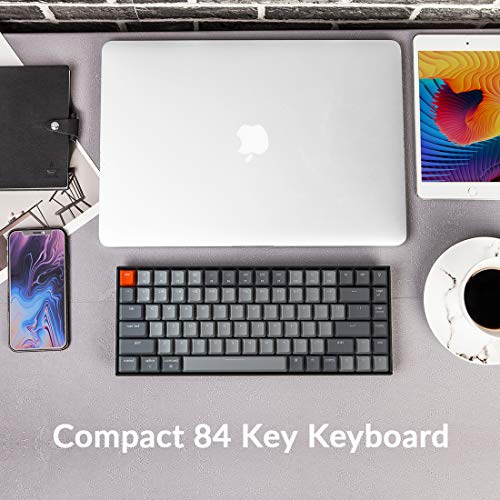
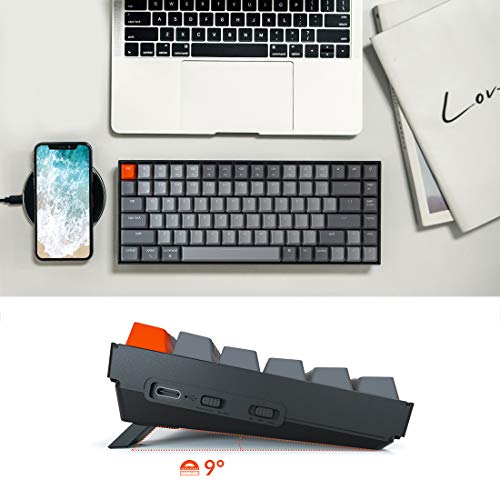
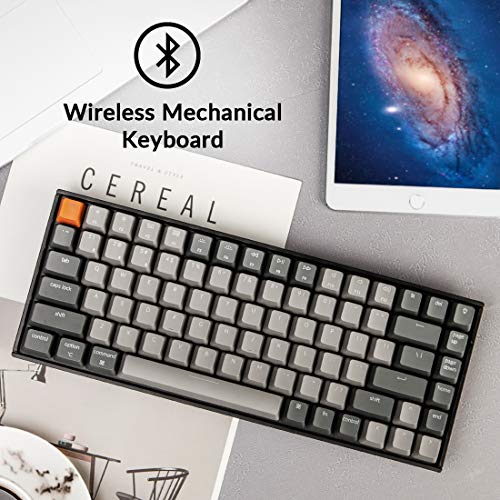
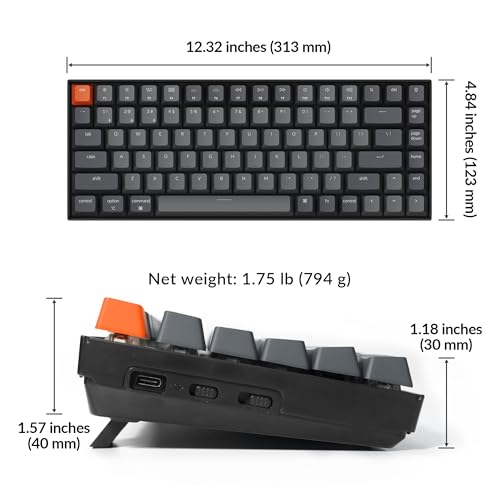
The Keychron K2 is unapologetically mechanical: boxier, taller keycaps, and a 75% frame that keeps arrows and shortcuts without being a full tower. It’s chunkier on the desk but gives the vibe “I mean business (and I like loud clacks).”
Layout & footprint
Keycaps & stabilizers
MX Keys Mini uses low-profile scissor mechanisms and Logitech’s “Perfect Stroke” key shaping — very precise, shallow travel, and stable for long typing sessions. The K2 uses tactile Brown mechanical switches with taller caps and more audible stabilizer feel — more character, more travel.
Desk vs bag life
We shoved both into a commuter backpack like overconfident keyboard hoarders. MX Keys Mini slips in easily and barely adds weight. The K2 survives the trip but needs more space and makes other items nervous. Mac vs Windows? MX is optimized for macOS shortcuts; K2 includes extra Mac/Windows caps so switching OSes is painless.
Typing Experience: Soft Precision or Clicky Satisfaction?
Travel & tactile feedback
The MX Keys Mini feels like typing on a very determined laptop — low travel, scissor switches with a shallow, precise press. Your fingers land confidently and you don’t have to mash keys to get a response. We loved the even, stable caps for rapid prose bursts.
The Keychron K2 with Brown switches gives you that classic mechanical bump — more travel, more feedback, and a little “there it is” satisfaction on every keystroke. It’s not obnoxiously clicky (that’s for Blue switches), but it’s definitely more tactile and deliberate than the MX.
Noise level — will coworkers glare?
Long sessions & fatigue
MX wins for all-day typing without a wrist rest — lower profile keeps our wrists flatter and fatigue down during marathon writing days. The K2’s taller profile makes us reach a fraction more; we’d add a wrist rest for 4+ hour editing or coding sessions.
Editing, coding, and prose — our WPM impressions
Bottom line: pick MX Keys Mini for quiet, speedy prose and low fatigue; pick Keychron K2 for tactile feedback, typing satisfaction, and stronger performance when precision matters.
Features & Connectivity: Backlight, Battery, and Smart Tricks
Bluetooth pairing & multi-device switching
We paired both in under a minute. The MX Keys Mini uses Bluetooth Low Energy and easily remembers up to 3 devices with seamless switching — it felt buttery when jumping between laptop, tablet, and phone. The K2 also supports up to 3 devices (Broadcom Bluetooth 5.1) and switches fine, though we noticed the K2 can hiccup on very fast device swaps more often than the MX.
USB-C wired mode & latency
Plug the K2 in via USB‑C and you get near-zero latency and full N‑Key Rollover (NKRO). Wireless mode drops to 6KRO — still fine for most users, not ideal for pro-level fast key chaining. The MX is not NKRO-focused (it’s a scissor switch board) but wired isn’t really its selling point — it’s Bluetooth-first and perfectly snappy for video calls and casual gaming.
Backlight behavior & battery life
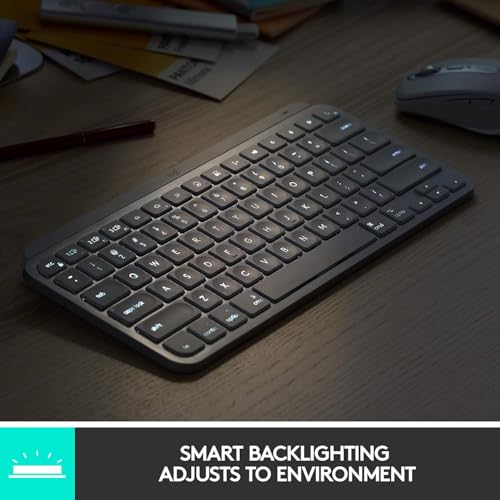
The MX’s smart illumination is our favorite: keys wake when hands near and brightness adjusts automatically — great for hands-off battery savings. MX claims ~10 days with backlight, ~5 months without. The K2’s white LED is simpler but bright and customizable; its massive 4000 mAh battery can push ~72 hours of continuous typing or ~7 days of normal use.
Software, macros & firmware
Logitech Options (Logi Options+) gives rich remaps, Flow, and smart key config. Keychron’s approach is lighter: basic layer shortcuts out of the box, occasional firmware updates from Keychron, and limited community tools for remapping — not as polished as Logitech’s suite.
Casual gaming & cross-platform
Both handled video calls flawlessly. For casual gaming the K2 wired wins for responsiveness and NKRO; wireless MX is excellent for general work and multi‑device workflows across macOS, Windows, Linux, iOS, and Android.
Feature Comparison Chart
Use Case Showdown: Gaming, Work, and Value
We’ll park these two keyboards into real-life roles: MX Keys Mini for travel, office, multitasking; Keychron K2 for gaming, heavy typing, and tinkering. Here’s how they actually behave when the rubber meets the desk.
Gaming
Keychron K2 wins wired gaming hands-down.
Work & Remote Meetings
MX Keys Mini is a call-friendly champion.
Creatives & Multitaskers
MX for multi-device flow; K2 for anyone who loves keyfeel.
Coders & Tinkerers
K2 for the keyboard hobbyist; MX for keyboard-as-tool purists.
Price & Overall Value
We’re short and blunt: if you want quiet, polished workhorse — MX. If you want mechanical feel, gaming chops, and mod fun — K2.
Final Verdict: Which One Wins (Short and Sweet)
We pick MX Keys Mini for productivity — silky low-profile typing, pro shortcuts, and battery life beat Keychron.
Keychron K2 wins for gaming and tinkering; mechanical feel, hot-swap vibe, and customization. Overall winner: MX Keys Mini. Coffee’s not gonna wait — grab MX for work, K2 for play and tinker after. Ready to upgrade?